
PowerStar Test Executive Software
Test executive software that runs the rack — sequences, limit trees and operator flows built without writing code, with more than twenty years in production test.
Datasheets and documents
The software, as it runs
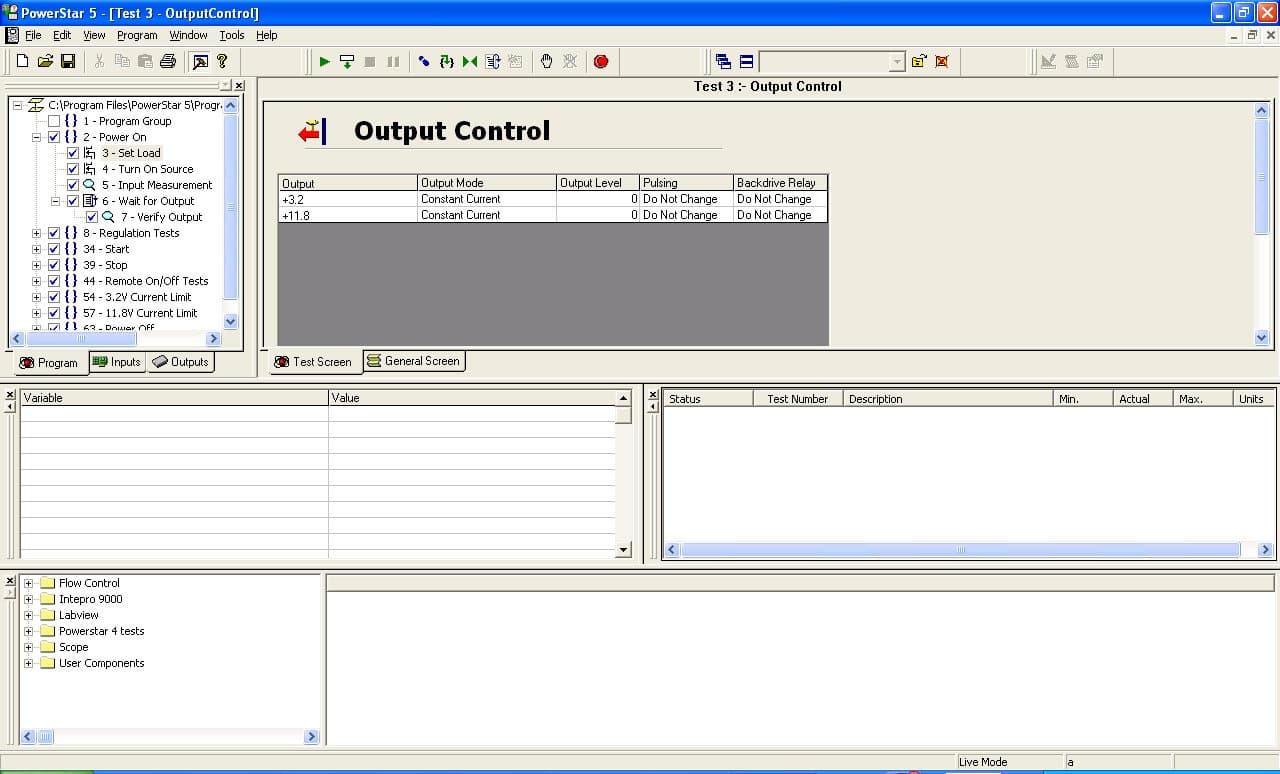
The test tree. Steps, limits and flow are edited here, without writing code.
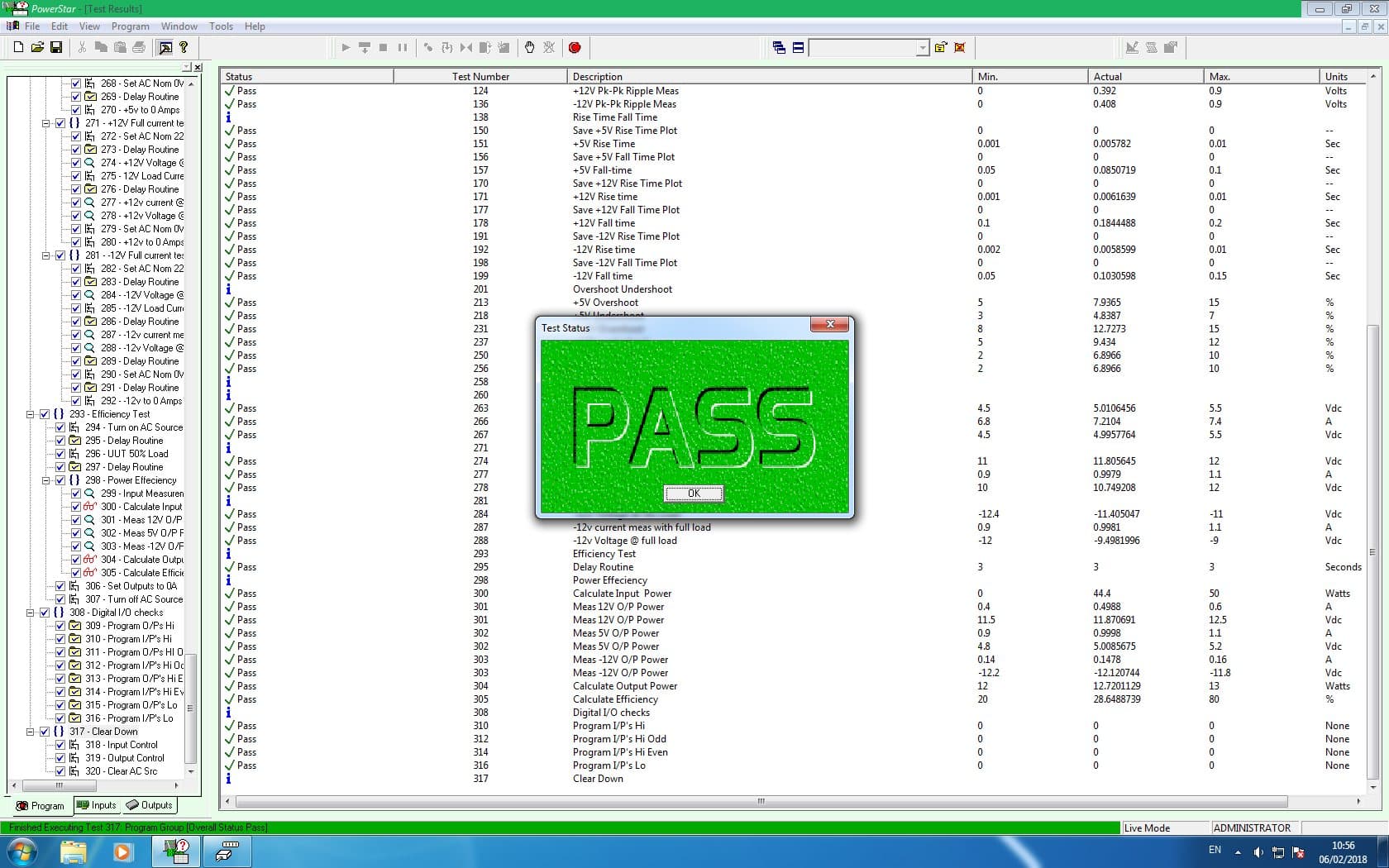
What the operator sees: one result, one color.
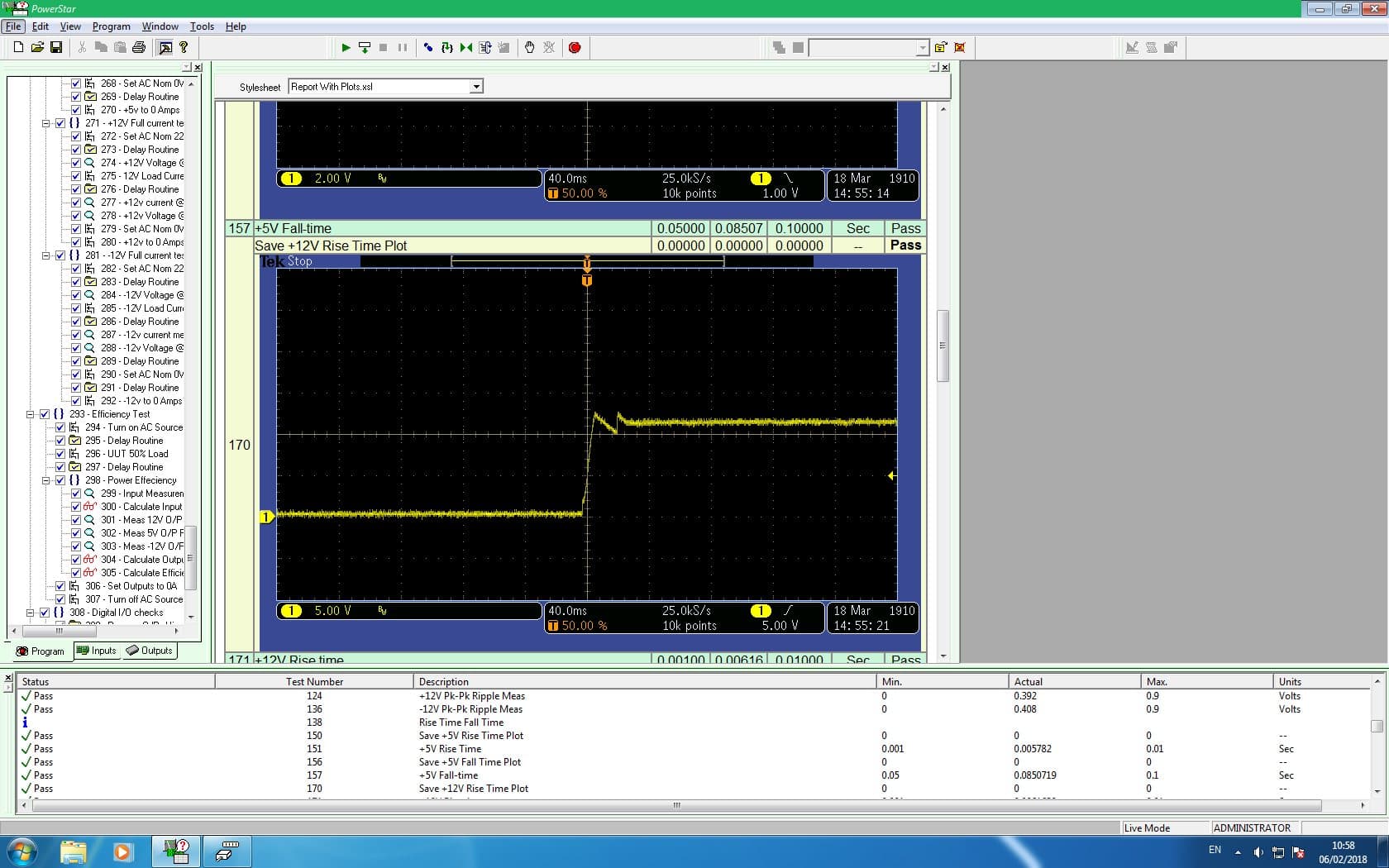
A scope step captured inside the sequence, judged against limits.
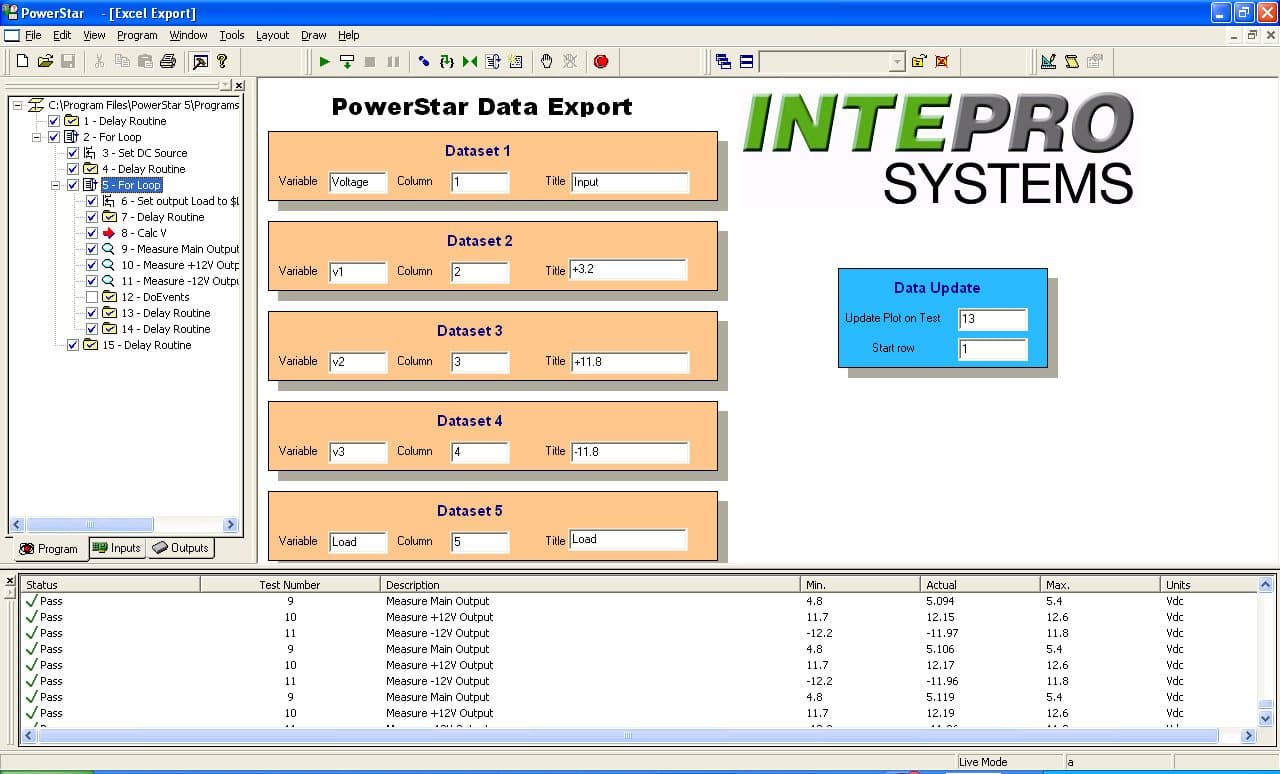
Data export per driver — results leave the rack in the format the line already uses.
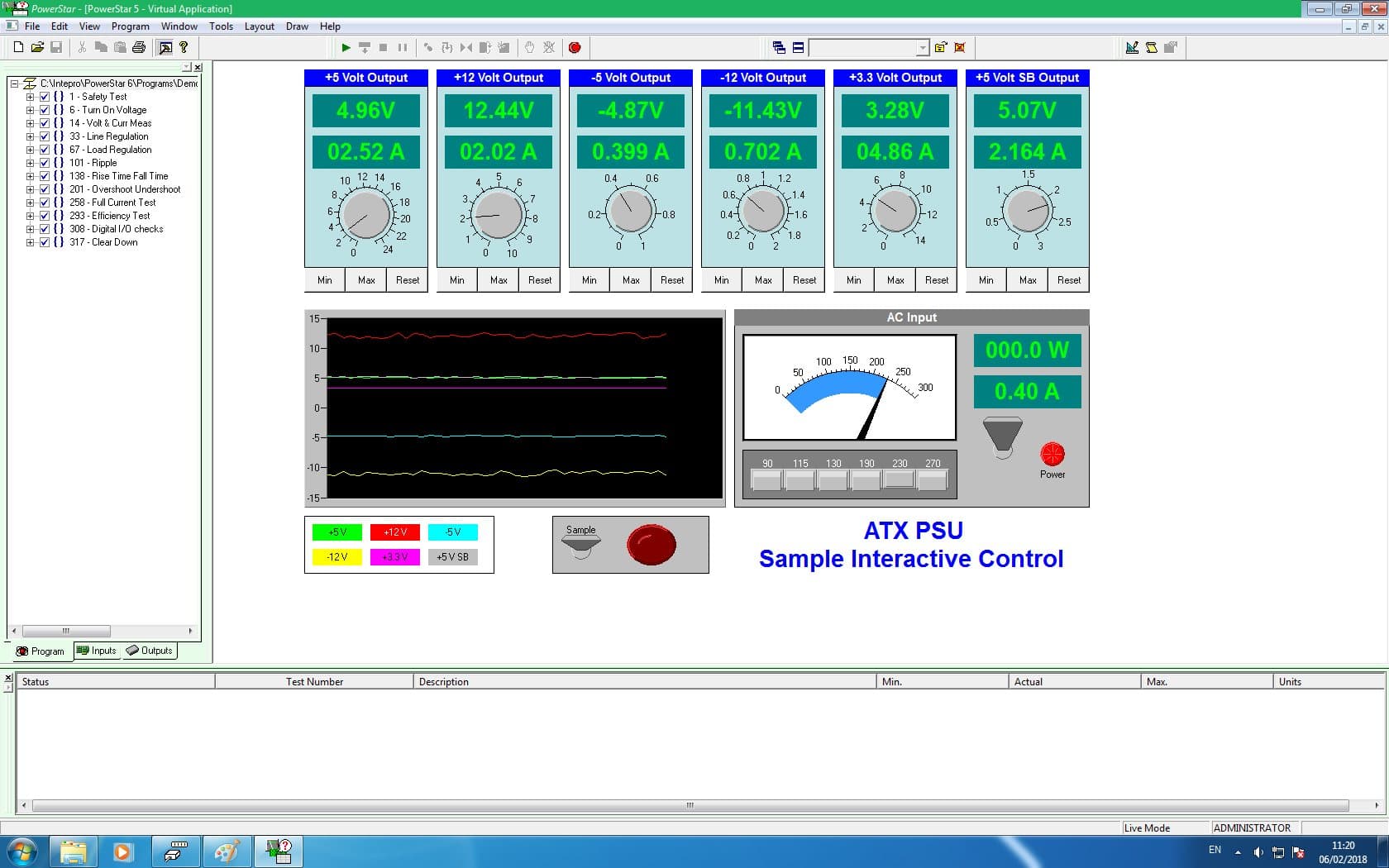
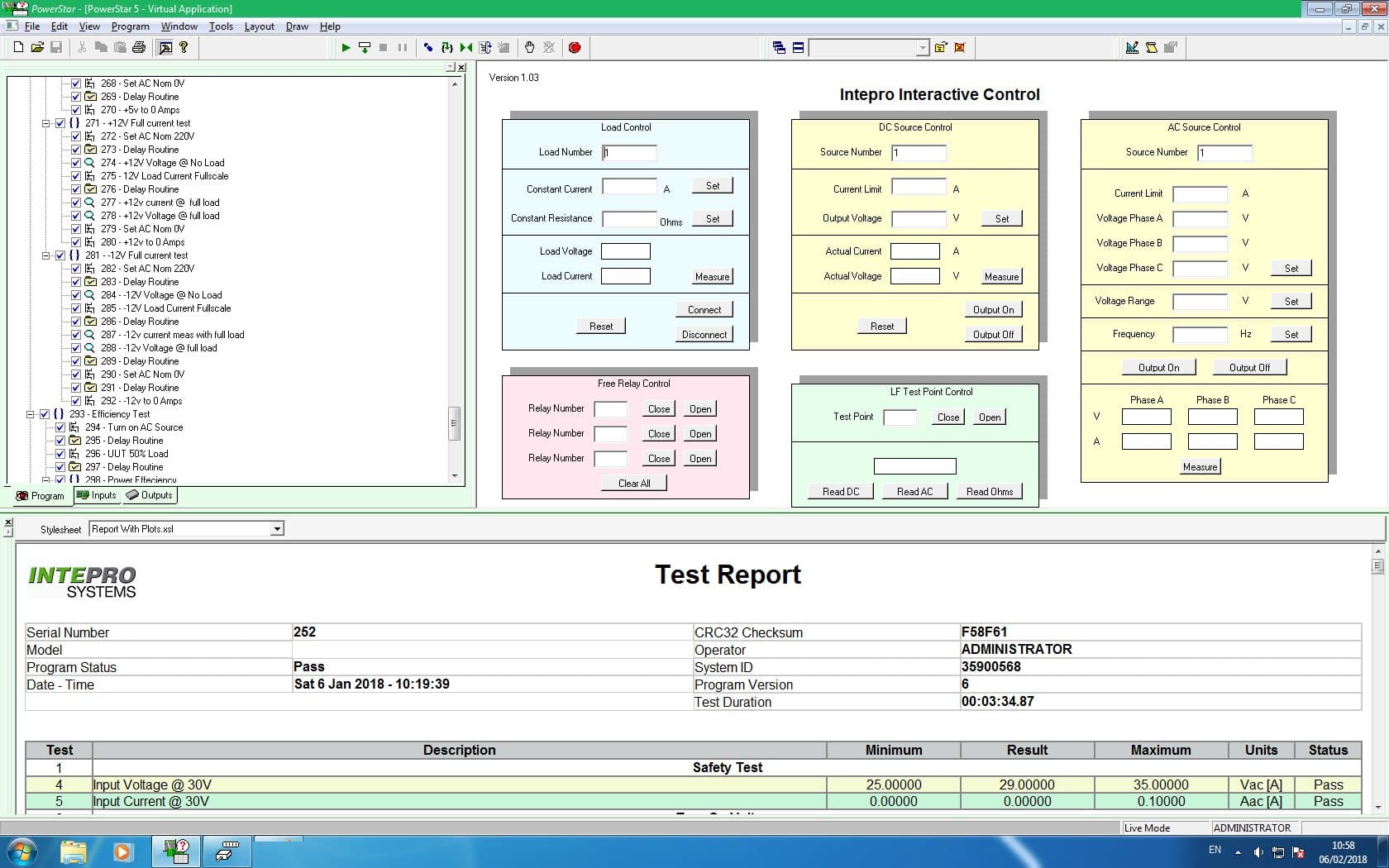
Interactive control of a PSU under test, for debug and characterization.
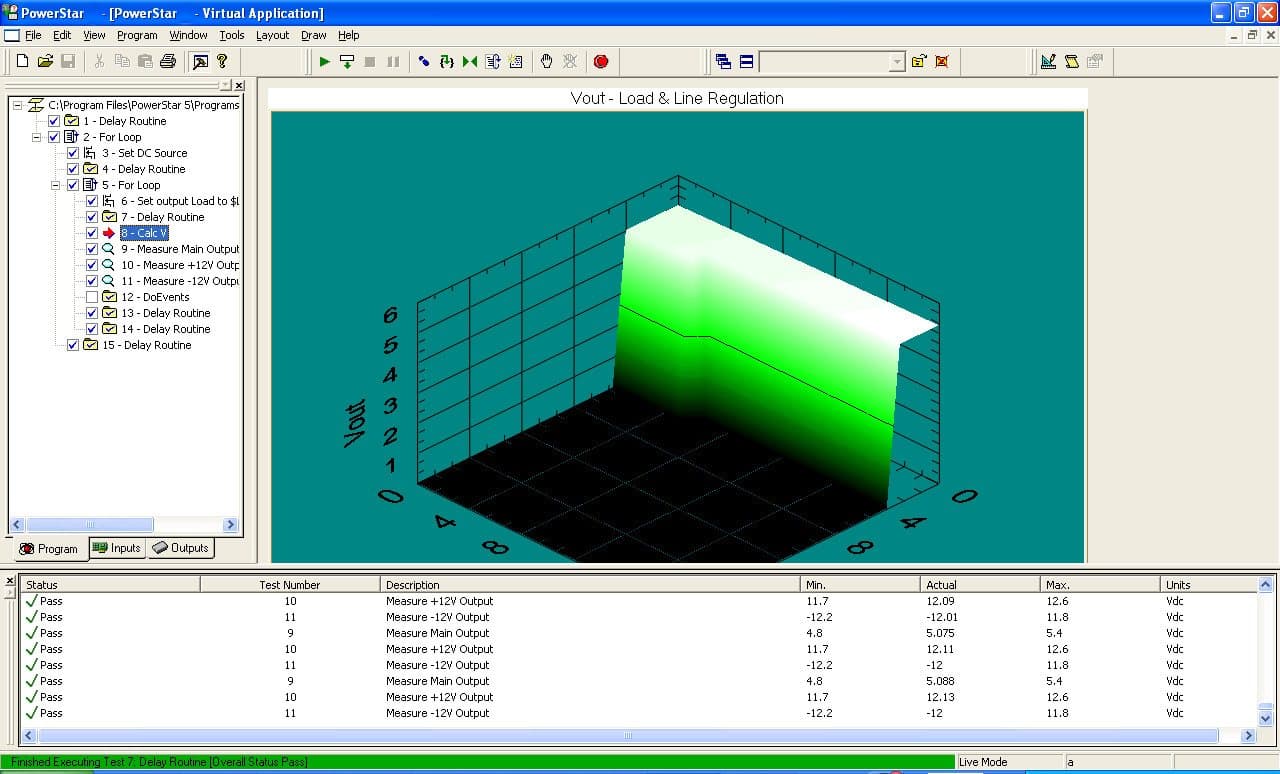
A result set plotted across a sweep.
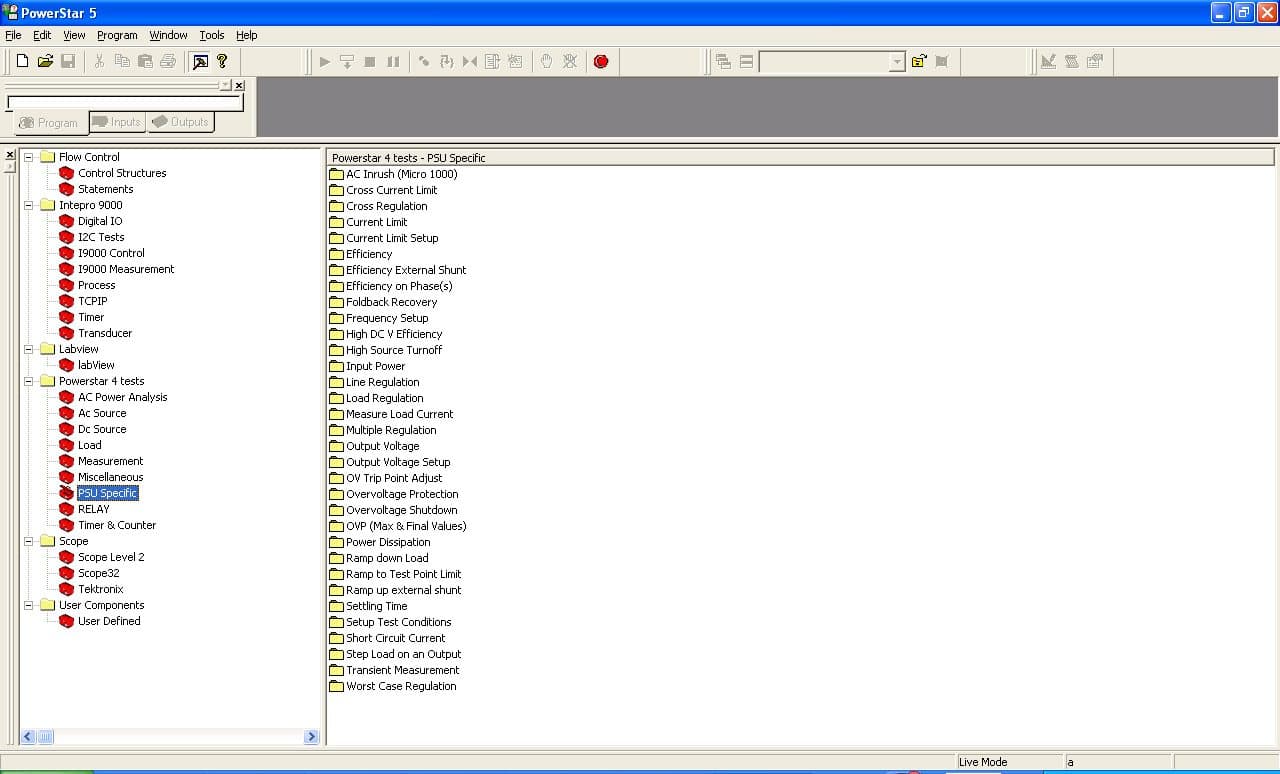
The measurement library. A test step calls a named measurement rather than driving an instrument directly — which is what lets the same program survive a change of instrument.
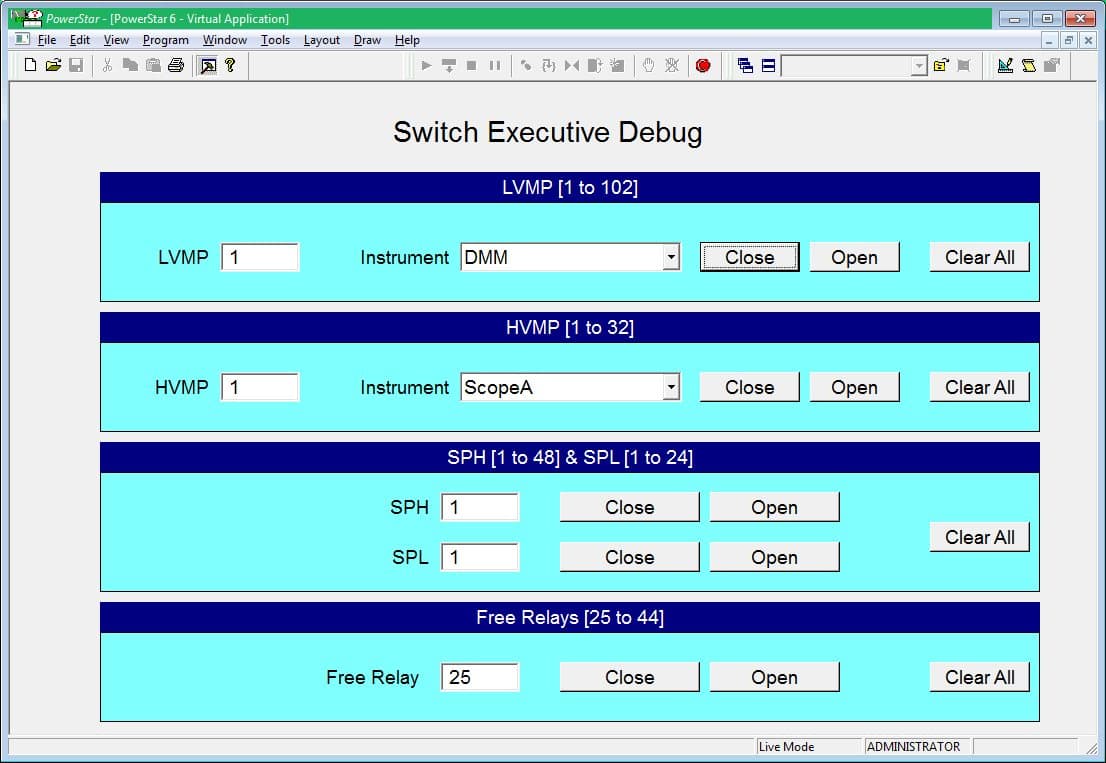
Switch routing, debugged live. Measurement points are mapped to instruments — DMM, scope — and relays opened and closed one at a time. This is the layer that makes an open-architecture rack practical rather than theoretical.
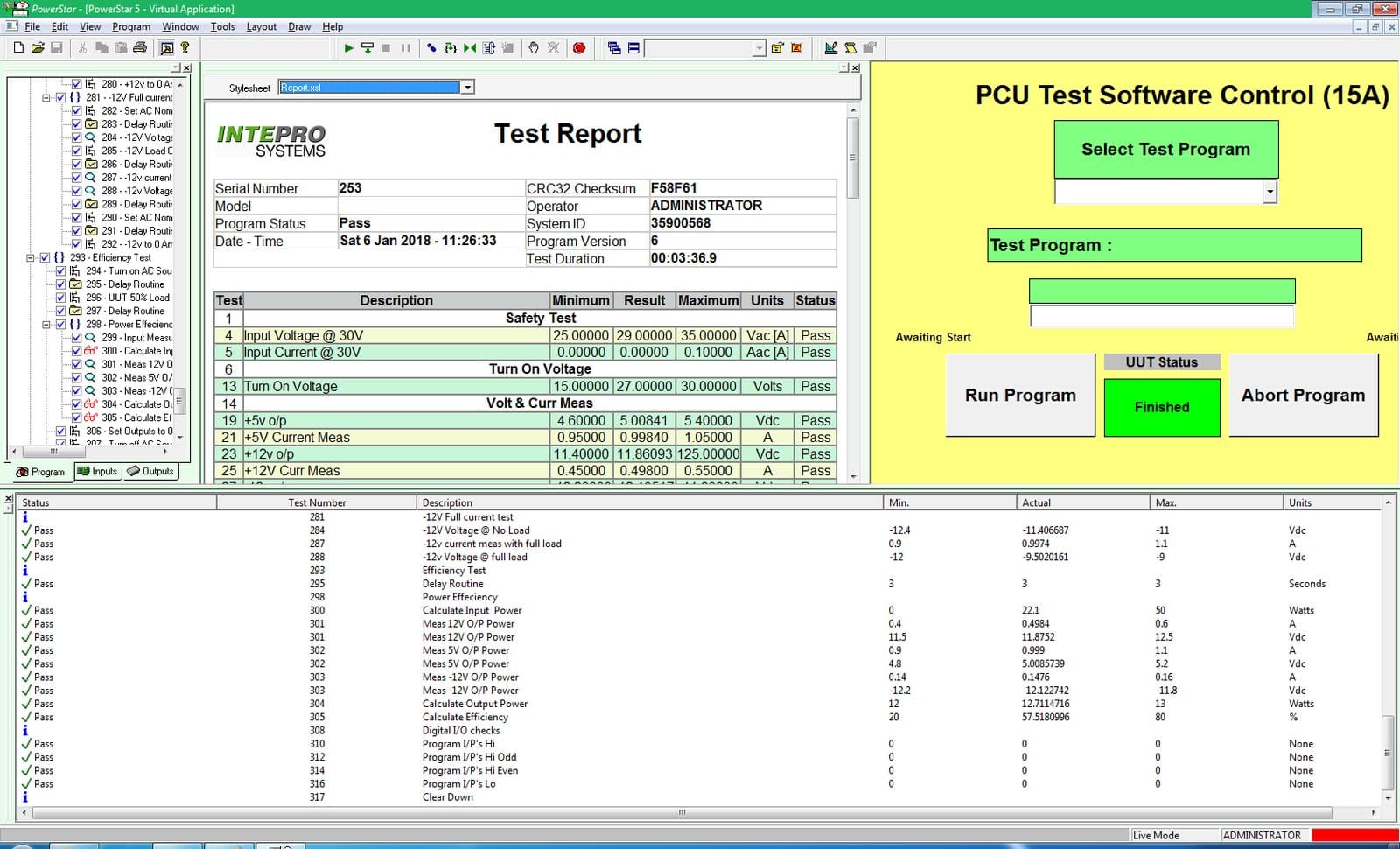
What the operator sees: select a program, run, abort — with the report building underneath. The engineer’s sequence editor and the operator’s panel are the same software.
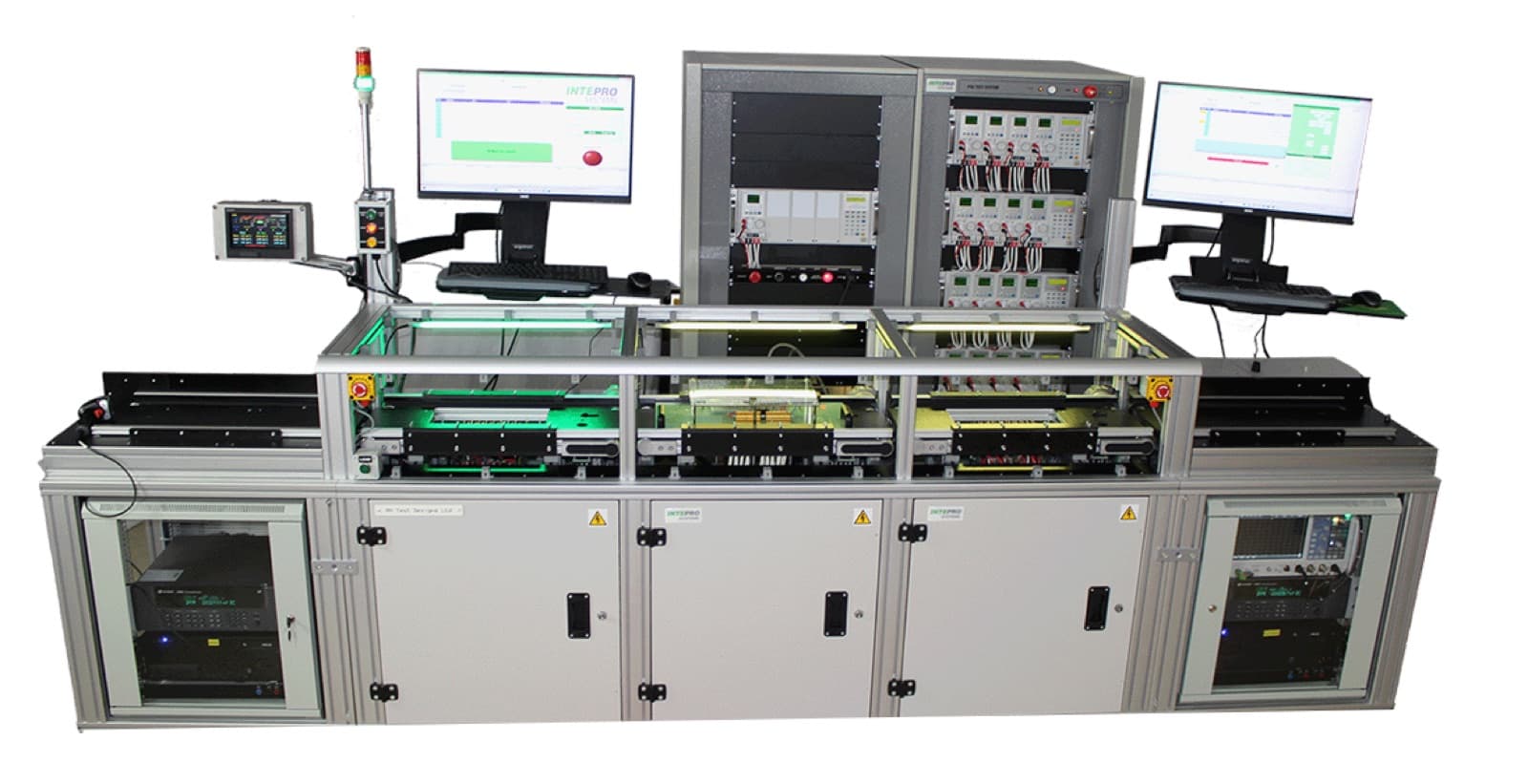
The other half of the picture: PowerStar is what the hardware runs. A multi-station production line, each bay with its own fixture and screen, sequenced from one test executive.
Capabilities
- PowerStar 5/6 integrates LabView VIs as Dynamic Link Libraries into test programs and Virtual Applications
- Parameters pass from PowerStar to a LabView VI as a constant or an expression; LabView indicators return to PowerStar, logged as a result or exported to a variable
- Three DLL execution paths: the Execute DLL test, a Virtual Application (VA), or a user VBA test
- Execute DLL test enumerates all exported functions in a selected DLL and can log the function return value as the test result
- DLL functions callable from Virtual Application and VBA test code via Declare Function statements
- Test programs run in a separate thread from the PowerStar UI and Virtual Applications
- Supplied LVRTEInit.vi, built as a DLL in the PowerStar Bin folder, initializes the LabView runtime engine in the main PowerStar thread
- LabView front panels can display interactively from a DLL when the VI window appearance is set to Dialog
What it is bought for
Each of these sets out the bus, the clause and where programs get caught out.
Further reading
Every figure on this page is transcribed from app-note-powerstar-labview-integration-1.pdf. A build gate re-checks each one against that document and fails the build if it is not there.